

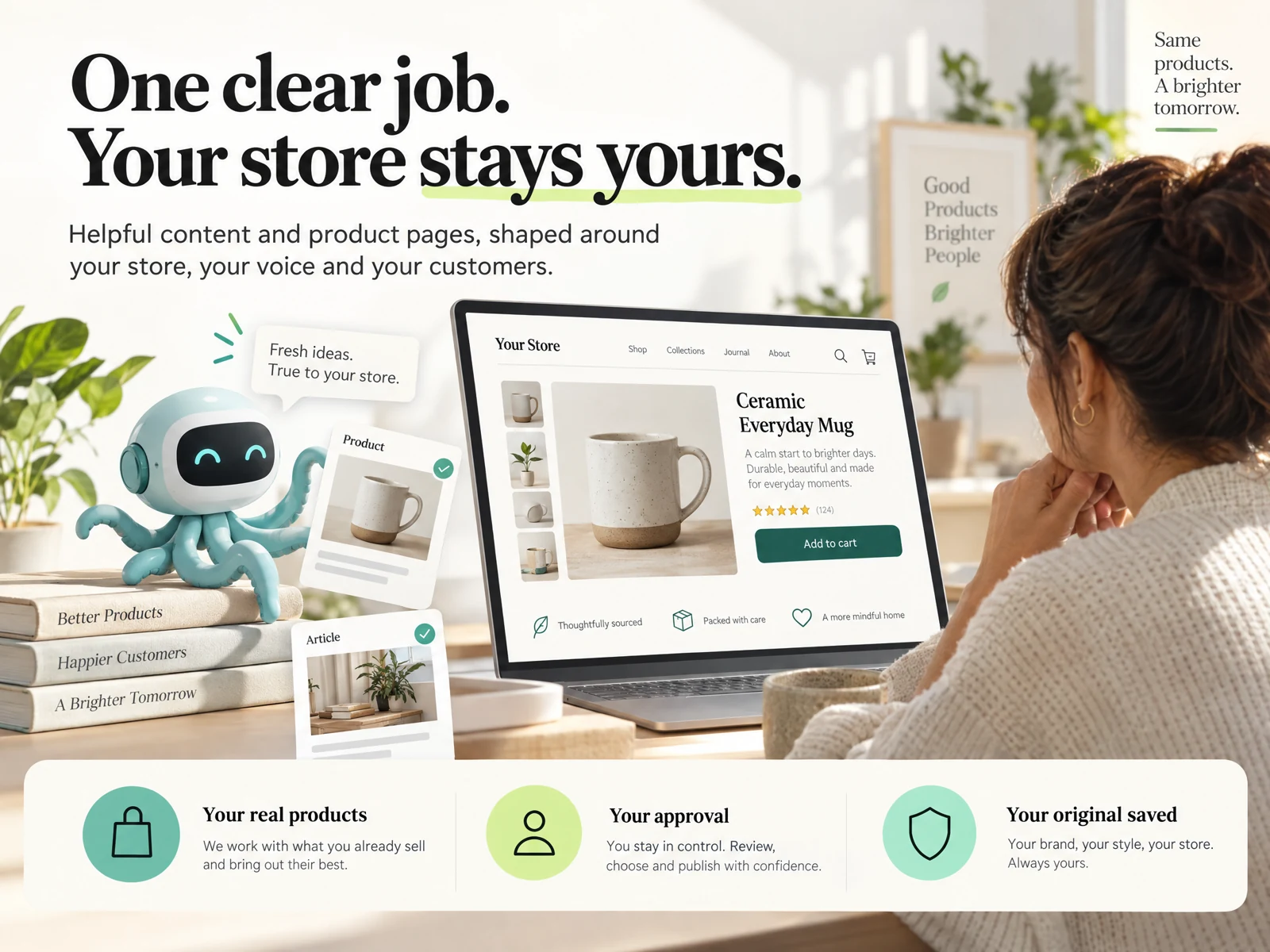
Why bulk update shopify seo ai matters in 2026
Search behavior and e-commerce presentation continue to shift; a consistent, clear set of SEO titles and meta descriptions helps searchers and shoppers decide whether to click. For small merchants maintaining 1–10 product lines, focusing on high-impact pages rather than every URL is a practical use of time and budget.
AI accelerates ideation and standardization, not final approval. Using AI to suggest variants — more benefit-focused, keyword-aware, or locality-specific — lets you test which approaches earn higher clicks, but you must verify facts, pricing displays, and policy claims before publishing.
- Focus updates on best-selling items, seasonal pages, and collections first
- Use AI for drafts and variants; reserve manual review for accuracy
- Plan incremental rollouts to compare results
Plan: gather pages, set objectives, and build templates
Begin by exporting a list of target pages: product titles, current SEO titles, and meta descriptions for the pages you intend to update. For 2026 workflows, merchants often group pages by intent (brand, product type, sale) so templates and prompt patterns stay relevant across similar listings.
Create clear style rules before generating content: length targets, tone (informative, playful, luxury), must-have phrases, and prohibited claims. These rules become the basis for repeatable prompt patterns and ensure the AI-generated options match brand and legal requirements.
- Export or list 1–10 products/pages to avoid scope creep
- Define tone, length (characters), and mandatory phrases
- Flag any regulatory or pricing language that must be excluded
Create AI prompt patterns and generate multiple drafts
Use repeatable prompt patterns that include page context: product type, unique attribute, primary keyword, and desired CTA. Ask for several variants per page—concise title options and 2–3 meta description lengths (short and standard) so you can A/B or swap quickly depending on placement.
Generate at least three distinct tones or focuses for each page: benefits-first, feature-first, and locality/reassurance. This diversity helps you learn what resonates in your analytics and keeps results from being overly uniform across the site.
- Include product context and mandatory phrases in every prompt
- Request 3 title options and 2–3 meta description lengths per page
- Ask the AI to produce a short rationale for each variant
Preview and validate drafts before bulk applying
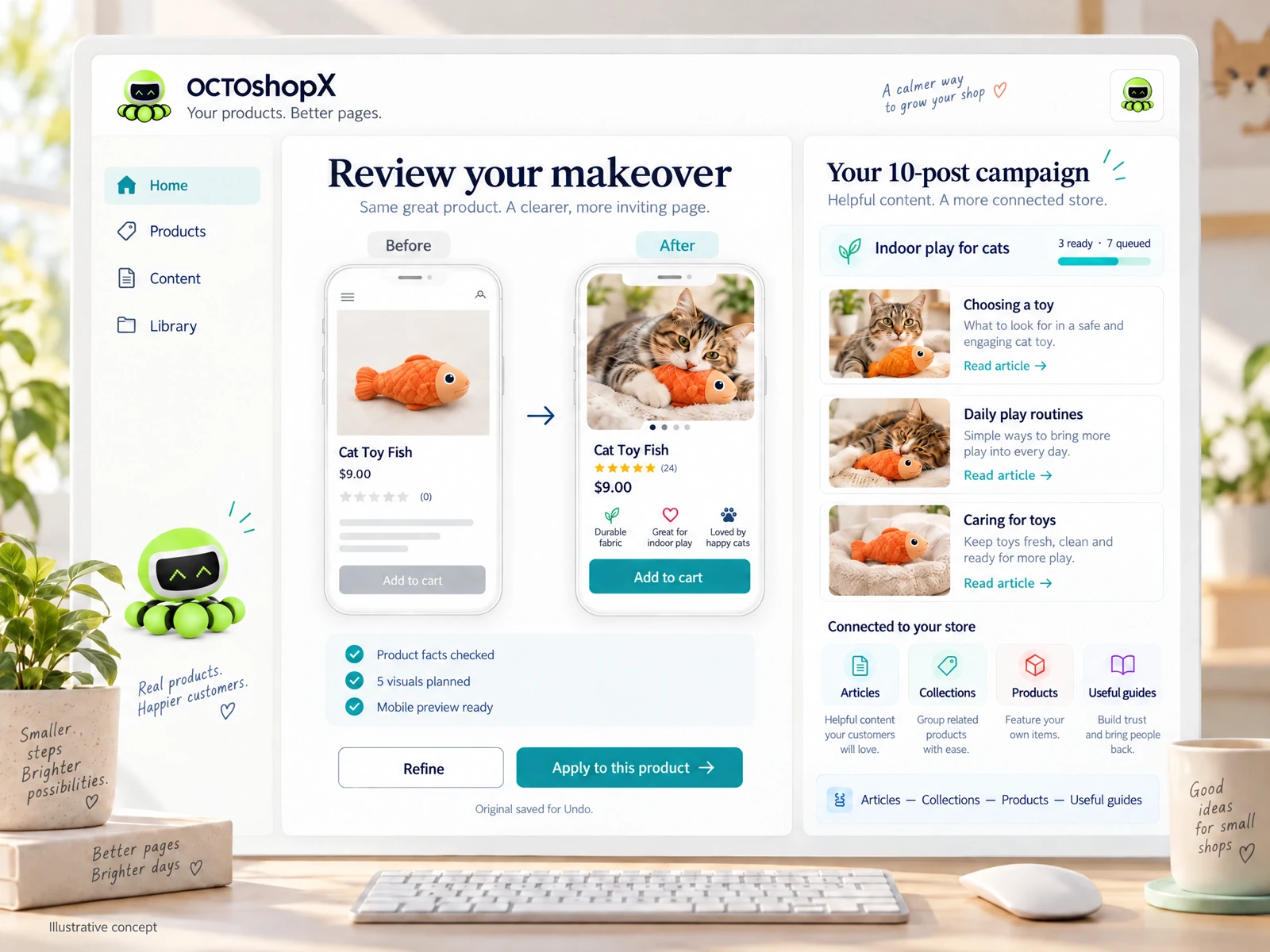
Preview is critical: a generic connection or bulk tool alone does not ensure faithful visuals, clear layouts, or correct link behavior. Use preview screens that show the title and meta description in context (search snippet mockup, collection pages) and verify character limits and truncation in actual search-snippet shapes.
Validate content against product facts and policies. AI can invent features, misstate materials, or include prohibited claims; spot-check every draft for accuracy and remove or rewrite any language that could mislead customers or trigger policy issues.
- Use search-snippet previews for each variant before publishing
- Verify factual statements (materials, sizes, shipping) manually
- Check for brand voice consistency and policy compliance
Read the connected-content guide or explore product and blog specimens.
Safe bulk publishing workflow and rollback planning
Publish in small batches and monitor. Instead of pushing updates for all pages at once, deploy to a subset (for example two to five pages) and track click-through rate (CTR) and impressions over a few weeks. This staged approach minimizes risk and provides clearer signals about which prompts and tones work best.
Plan an undo or rollback path. Maintain an export of original titles and descriptions so you can restore prior versions quickly if a change causes an unexpected drop or policy risk. Even with preview and review, having originals saved is essential for peace of mind and rapid remediation.
- Publish to a small cohort, monitor CTR and traffic for 2–4 weeks
- Keep an offsite backup of original SEO titles and meta descriptions
- Schedule follow-up reviews to iterate on the best-performing variants
Practical examples and merchant workflows
Example 1: A niche candle shop groups 6 top sellers, asks AI for benefit-first titles and 150–160 character meta descriptions emphasizing scent and burn time. They preview snippets, remove any unsupported scent claims, publish two variants per product, and compare CTR after three weeks to choose winners.
Example 2: A local bike shop updates three collection pages. Using a locality-focused template, they generate titles with neighborhood keywords, short meta descriptions that include store pickup options, and preview how those pages display in search. They keep originals in a CSV and publish via a small-batch workflow to watch local search performance.
- Make two-variant tests per page and measure before wider rollout
- Use locality and pickup phrasing only if you can support it
- Keep experiments documented with dates and result notes
How many pages should I update at once with AI?
Start small: 1–5 pages is a practical batch size for most small shops. This allows you to monitor effects, validate accuracy, and iterate on prompt patterns before expanding to more pages.
Will AI-generated meta descriptions always improve CTR?
Not always. AI helps create clearer, more consistent options quickly, but performance depends on accuracy, relevance, and testing. Use staged publishing and measurement to identify what actually improves CTR for your audience.
How do I avoid factual errors when using AI for SEO copy?
Build strict prompt rules, include known facts in the prompt, and always manually review generated copy against product pages and policies. Keep an export of originals so you can undo changes if an error slips through.
Install OCTOshopX. Give your store one clear job.
Use a disciplined, staged approach: plan templates, generate variants, preview and validate, publish small batches, and keep originals for rollback. Install OCTOshopX.
A calm Shopify Product & Blog Studio: 5–10 useful visuals, connected articles and products, preview before publishing, and 1-Click Undo when needed.