

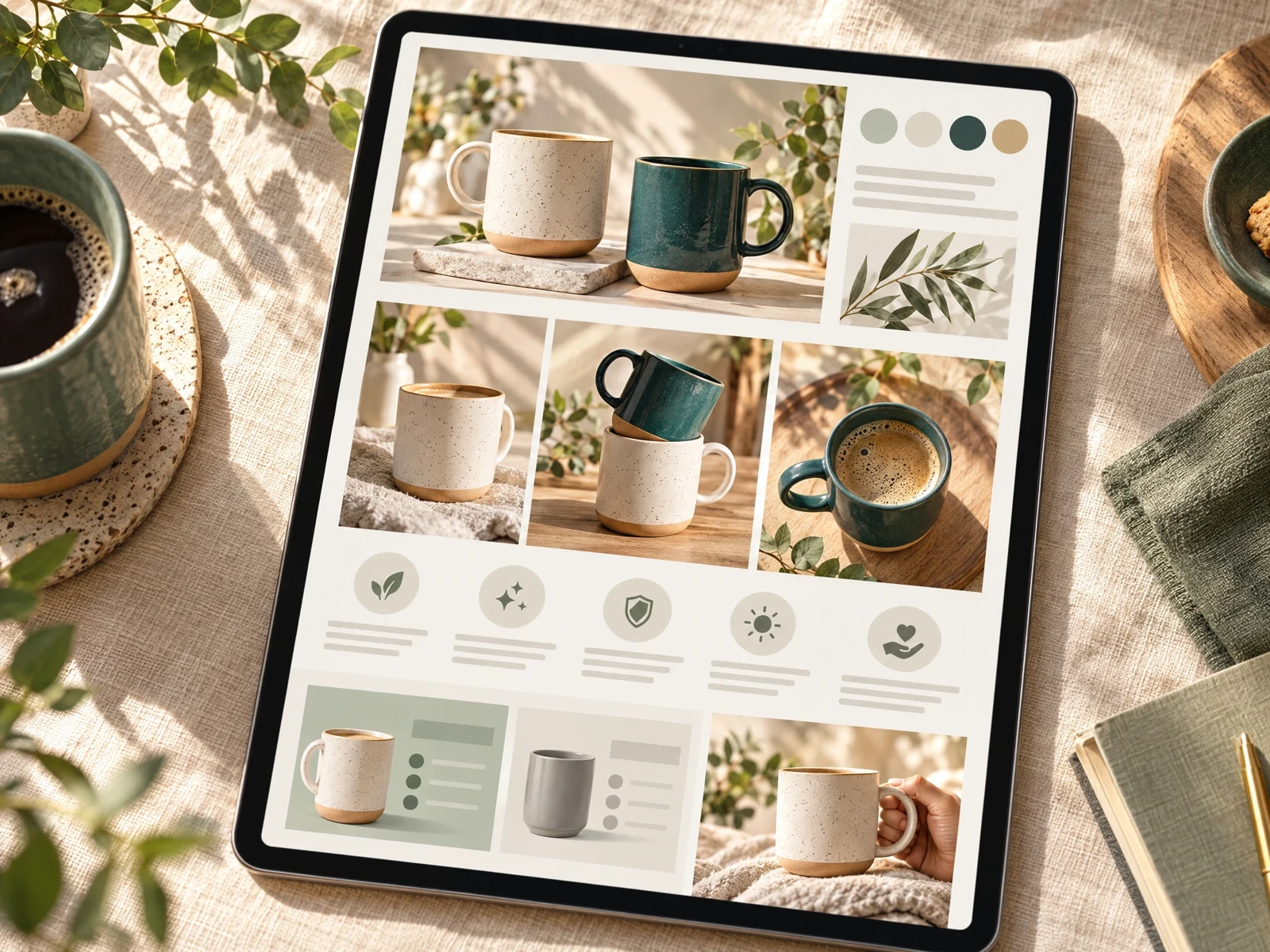
1. Borrow the content logic, not the Amazon feature
Amazon A+ Content is a feature for eligible sellers to enrich Amazon product detail pages with images, text, comparison charts, and—in Premium—video, hotspots, carousels, and Q&A. Amazon says Basic A+ allows up to five modules per ASIN, while Premium allows up to seven; access also depends on seller and brand eligibility. These are Amazon-specific rules and modules, not Shopify capabilities. [1] [2]
On Shopify, “A+ style” is best understood as an editorial approach: combine useful product facts with an intentional sequence of visuals and concise copy. For example, a ceramic travel mug page might lead with a clean product shot, then explain the lid, show it in a commuter’s hand, and finish with dimensions and care. The aim is to help shoppers decide—not to claim that Shopify offers Amazon A+ or that a visual layout guarantees sales.
2. Start with verified product facts and customer doubts
Before arranging images, make a short fact sheet from the merchant’s own product data: materials, size, compatibility, included pieces, care, warranty terms, and variants. Mark anything uncertain for confirmation. AI can make a sentence sound polished while still getting a specification wrong; Shopify explicitly advises merchants to review AI-generated content before applying it. [3]
Next, list the questions a real shopper may ask. A reusable water bottle customer may want to know whether it fits a car cup holder, how the cap seals, and whether the bottle is dishwasher-safe. Use confirmed answers to shape the page. Keep comparative claims, safety language, certifications, and performance promises only when the store can substantiate them. Amazon’s own guidance similarly emphasizes clear product information and warns against unsupported or prohibited claims in A+ content. [1]
- Separate confirmed facts from assumptions before drafting.
- Turn recurring support questions into specific page sections.
- Use customer-owned photos or assets with documented usage rights.
3. Plan five to ten visuals with a job for each
Five to ten useful visuals are a planning range, not an Amazon requirement or a conversion formula. Give each image a distinct purpose so a long gallery does not repeat the same angle. A practical sequence for a desk lamp could be: 1) clean hero image, 2) scale beside a laptop, 3) light settings, 4) close-up of the controls, 5) workspace lifestyle scene, 6) dimensions, and 7) package contents. Add more only when they answer a new question.
Amazon recommends balancing concise text with high-quality product and lifestyle photography, showing multiple angles, and avoiding text embedded in images because it can be hard to read on mobile. [1] Apply that advice on Shopify: keep essential details as page text, use crisp images, and add descriptive alt text. If you lack a genuine lifestyle image, an accurate detail photo is more valuable than a fabricated scene that could mislead buyers.
4. Build a scannable sequence from benefit to proof
Organize sections so each one answers the next natural question: what is it, why might it fit my needs, how does it work, and what should I check before buying? A small-batch coffee grinder page could open with the product and its main use, then show grind settings, demonstrate a removable burr, list dimensions and cleaning steps, and end with a simple comparison of the merchant’s available models. Make comparisons factual and useful rather than declaring one option “best” without evidence.
Write a short heading and a few direct sentences for each visual. Explain a benefit through a concrete fact: “Choose among 12 grind settings” is more informative than “perfect coffee every time.” Use bullets for specifications and keep explanatory copy as selectable text. Amazon’s guidance recommends concise copy and technical specifications where they help buyers assess a product. [1]
Read the connected-content guide or explore product and blog specimens.
5. Preview mobile and check the page before applying it
A layout that looks balanced on a desktop can become a tall stack of tiny labels on a phone. Check the page at mobile width: confirm that images crop sensibly, headings remain readable, buttons are easy to reach, and key facts do not depend on text baked into artwork. Review loading behavior and image consistency as well. Amazon’s A+ workflow offers desktop and mobile previews; on Shopify, use the preview tools available in the theme or page editor you actually use rather than assuming the same Amazon review process applies. [1]
Shopify’s built-in Sidekick can generate product descriptions, blog posts, online-store pages, and theme content, but Shopify cautions that AI outputs may contain errors. [3] Treat generated text as a draft. Check every number, compatibility statement, and claim against the fact sheet, then compare the preview with the live storefront after changes.
6. Choose a Shopify workflow that matches the job
Native Shopify AI can help draft product descriptions and other content in the admin, subject to feature availability by plan, device, and language. [3] For merchants seeking more specialized automation, competitor capabilities vary. The eComAI Product Page Builder listing describes URL or CSV imports, AI-generated page copy, FAQs and specifications, bulk runs, and review/edit before publishing; its listing showed a free tier and paid monthly tiers when checked on 17 October 2026. [4] PagePilot advertises a drag-and-drop builder, AI images, and publishing to Shopify, with its site listing subscription plans and a free trial. [5] These are vendors’ published claims, not independent performance findings; verify current terms and fit before purchase.
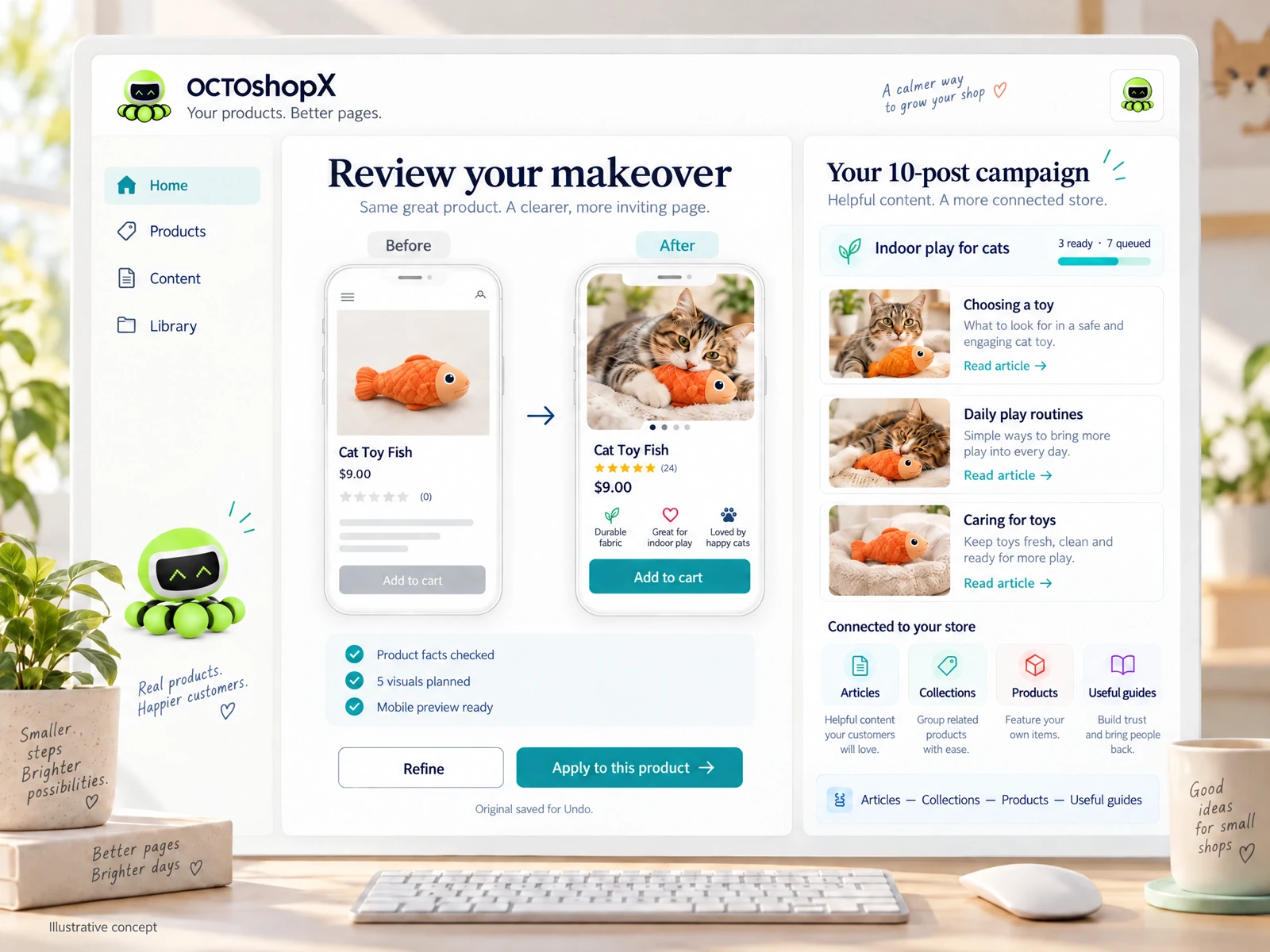
OCTOshopX is a planned Shopify Product & Blog Studio, not a released or benchmarked product. Its intended workflow is built around real product facts and photos, batches of one to ten products, five to ten useful visuals, mobile preview, review before apply, and Undo. Planned publishing includes campaigns of up to ten posts and connected Shop the Post and Articles—Collections—Products—Useful guides journeys. Installation and checkout are unavailable, and AI plans or selected image/API services would cost separately.
Does Shopify have Amazon A+ Content?
No. Amazon A+ Content is an Amazon Seller Central feature for eligible listings. Shopify merchants can create rich product pages with their theme, page-building tools, and content workflows, but that is not the same feature or platform functionality. [1] [2]
How many images should a Shopify product page use?
There is no universal count. Five to ten can be a useful planning target for a detailed page if every visual answers a different shopper question. A simple product may need fewer; avoid padding the page with repetitive images.
Can AI publish an accurate page without merchant review?
Do not assume so. AI-generated copy or imagery can be inaccurate, so confirm specifications, claims, image rights, and mobile presentation before applying changes. Shopify itself advises reviewing AI outputs. [3]
Sources & comparison notes
Provider-described features and prices can change. Check the linked sources and purchase terms before choosing a service.
- How to create A+ Content: Design tips, guidelines, and examples · checked 2026-10-17
- A+ Content · checked 2026-10-17
- AI-powered tools · checked 2026-10-17
- eComAI Product Page Builder · checked 2026-10-17
- PagePilot · checked 2026-10-17
Install OCTOshopX. Give your store one clear job.
A strong Shopify product page borrows A+ Content’s useful mix of images, concise explanations, and decision-making details—without implying Amazon functionality or affiliation. Plan each visual, verify the facts, and review the mobile page before publishing. OCTOshopX is planned to support that workflow, but it is not yet available to install. Install OCTOshopX.
A calm Shopify Product & Blog Studio: 5–10 useful visuals, connected articles and products, preview before publishing, and 1-Click Undo when needed.