

What BYOK Means for Shopify Merchants
Bring-Your-Own-Key (BYOK) arrangements let merchants use their own cryptographic keys or private data controls with third‑party AI platforms. For store owners this can feel like a privacy and compliance win: you retain a degree of control, and you can claim tighter governance over sensitive product or customer content.
But BYOK is not a switch that instantly solves governance. Operational choices—who holds the key, how access is logged, and how keys are rotated—become your responsibility. For small shops, those tasks add hidden operational weight that shows up as time, specialist attention, or external service fees.
- BYOK reduces some vendor risks but increases merchant operational duties.
- Decisions about key storage and rotation have ongoing cost implications.
- BYOK is a control trade-off, not an instant compliance guarantee.
Direct and Indirect Financial Costs
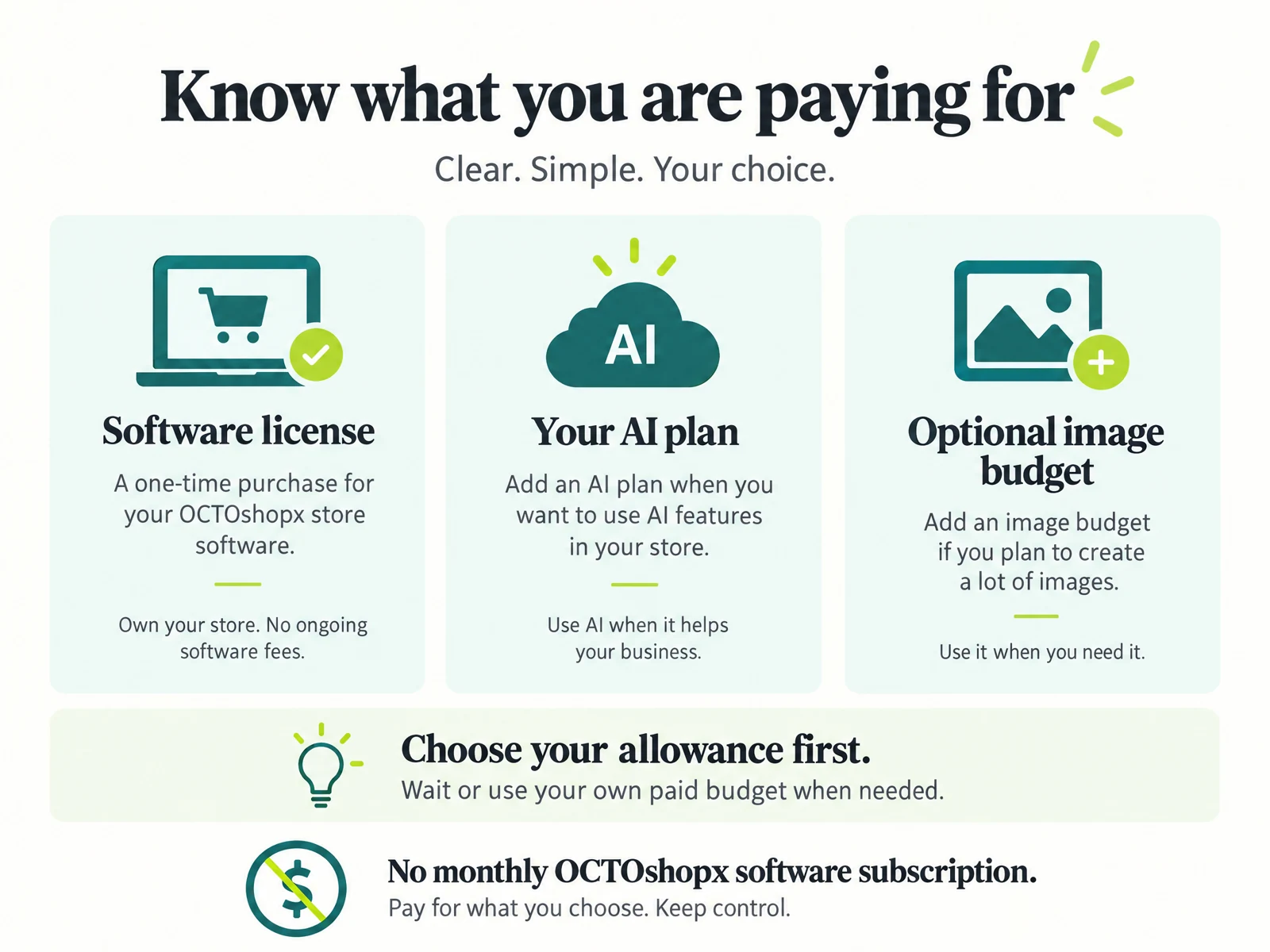
Direct costs include fees for key management services, encryption hardware or subscription tiers that support custom keys. Some providers charge higher service tiers for BYOK-compatible setups, and dedicated key management can mean recurring bills that small merchants often overlook when comparing AI offerings.
Indirect costs are easier to miss: time spent learning cryptographic basics, hiring consultants for audits, and building operational procedures for access requests and incident response. These recurring human costs matter for shops that want to remain nimble without adding permanent staff.
- Expect both one‑time setup expenses and ongoing subscription or audit fees.
- Factor in staff time for security procedures and incident readiness.
- Budget for occasional expert or legal review tied to your BYOK setup.
Operational Complexity and Workflow Friction
BYOK introduces process steps that can slow everyday workflows. For example, rotating keys may require scheduled downtime or carefully choreographed updates across integrations, and granting contractors temporary access can create ticketing and approval bottlenecks.
Small teams should map who needs access to what and when. A simple, documented workflow—who requests a key action, who approves it, and how the change is verified—reduces mistakes and avoids last‑minute manual fixes that disrupt fulfillment or product launches.
- Plan key rotation windows to avoid blocking critical updates.
- Document access request and approval steps for contractors and agencies.
- Use checklists for any change that touches live product or customer data.
Integration, Previewing, and Visual Fidelity Risks
A generic BYOK connection to an AI tool does not guarantee faithful visuals, clear layouts, or useful internal links in your shop content. You may need extra validation layers so model outputs render correctly in product pages or blog templates, particularly when visuals, markdown, or internal link structures are involved.
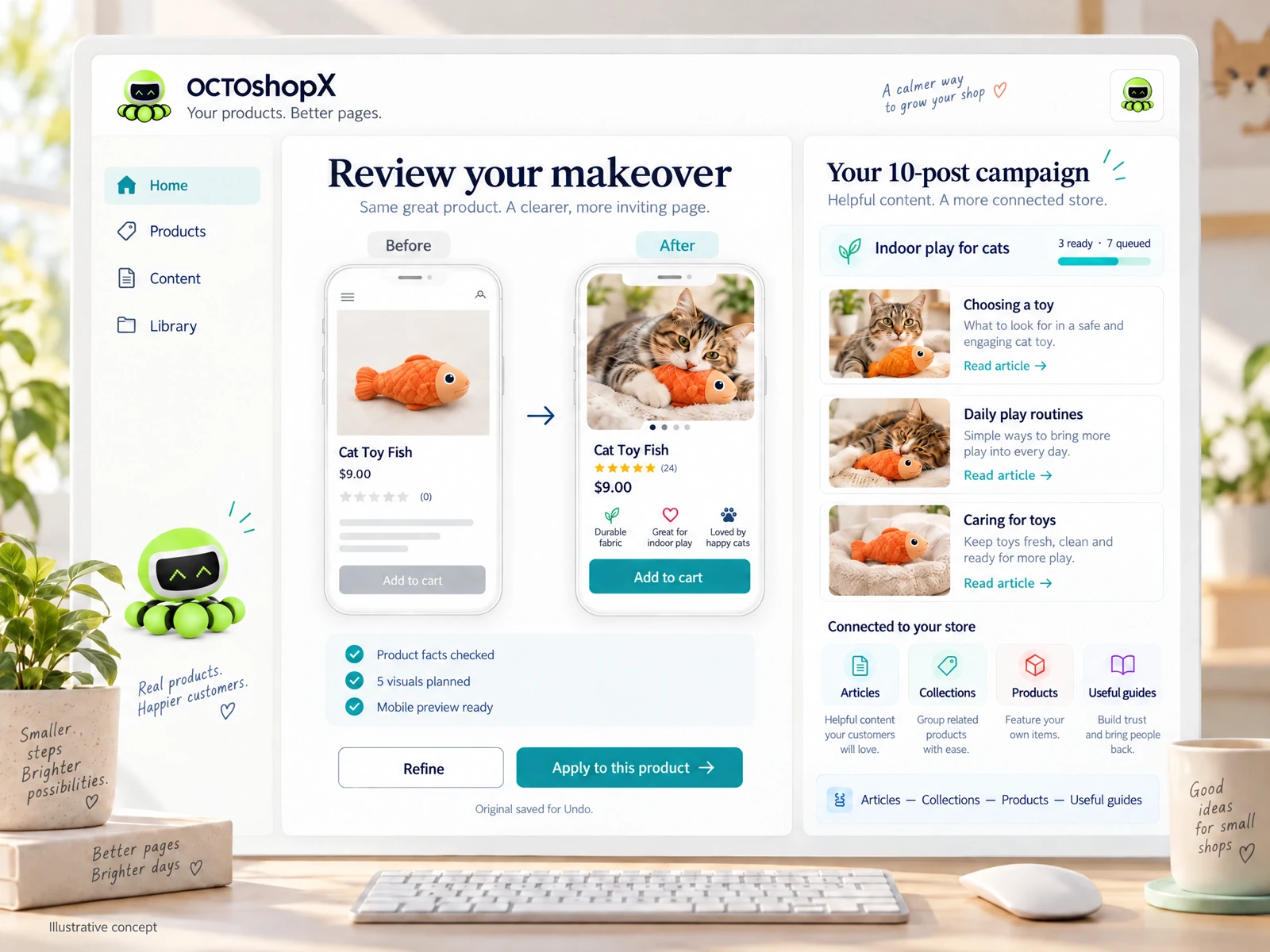
Practical merchant workflows include preview environments, an explicit review pass, and a rollback plan. Treat generated content as draft: preview changes in a staging store or draft editor, confirm image sizes and alt text, and verify all internal links before pushing live to avoid broken navigation or inconsistent product presentation.
- Always validate outputs in a preview environment before applying to live pages.
- Check visual sizing, alt attributes, and internal link targets manually.
- Have a saved original and a quick undo path to revert unwanted changes.
Read the connected-content guide or explore product and blog specimens.
Compliance, Auditing, and the Hidden Legal Burden
BYOK can simplify some regulatory conversations but often increases audit scope. If you control the key, auditors will want proof of policies: who accessed the keys, how logs are maintained, and how you responded to any anomalies. Merchants must plan for the time and possibly the services required to produce those artifacts.
For many small stores, a pragmatic approach is to adopt lightweight but auditable processes: centralized logging, regular reviews, and a minimum viable incident response playbook. These practices keep compliance manageable without turning your shop into a full‑time security operation.
- Prepare to show access logs and rotation histories during audits.
- Keep a simple incident response playbook tailored to your team size.
- Schedule periodic reviews to confirm policies remain followed.
Decision Checklist: When BYOK Makes Sense for Your Store
BYOK is worthwhile if you have high‑value customer data, strict contractual obligations, or a security posture that requires merchant‑held keys. However, if your main goal is convenience, or you lack the time to manage ongoing operational tasks, a vendor‑managed key approach might be more cost‑effective.
Use a short decision checklist before committing: estimate recurring costs, map who will operate and audit the keys, plan preview/review workflows for visual and content fidelity, and confirm you have a rollback path. If any checklist items feel like guesswork, budget for an expert review or choose a simpler non‑BYOK option until you’re ready.
- Assess data sensitivity and contractual requirements first.
- Estimate ongoing operational and audit costs before committing.
- Start small: pilot one product or page to learn the workflow.
Does BYOK eliminate the need to review AI outputs?
No. BYOK controls keys and some data flows but does not ensure output accuracy, layout fidelity, or correct internal links. Merchants should always preview and review generated content, confirm visuals and alt text, and verify links in a staging environment before publishing.
How can a small shop keep BYOK costs manageable?
Keep key management simple: start with a small pilot, document minimal yet auditable procedures, schedule infrequent but regular rotations, and use third‑party services selectively. Budget for occasional expert audits rather than permanent hires, and automate logging where possible to reduce manual labor.
What practical rollback safeguards should I have?
Keep originals saved and use a preview/undo workflow so changes can be reverted quickly. Maintain versioned drafts for products and blog posts, and block direct live edits during bulk updates. A simple checklist for applying AI‑generated changes reduces the risk of accidental live errors.
Install OCTOshopX. Give your store one clear job.
Weigh BYOK’s control benefits against ongoing operational, auditing, and visual‑fidelity costs. Start small, document workflows, and always preview before publishing. Install OCTOshopX.
A calm Shopify Product & Blog Studio: 5–10 useful visuals, connected articles and products, preview before publishing, and 1-Click Undo when needed.