

1. Why use Google Gemini for Shopify articles in 2026
Google Gemini can accelerate idea development and first drafts for product guides, collections landing pages and store blog posts. For merchants the real value is saving time in research, draft structuring and generating ready-to-edit copy that reflects voice, product details and SEO intent. Historical 2025 references to broad AI writing tools remain relevant: the patterns of prompting, review and iterative edits still matter.
Treat Gemini as a collaborator, not an autopilot. It can suggest headings, meta descriptions, and short product-focused FAQs — but you must verify facts, price details, inventory status and legal claims. Effective use combines Gemini outputs with merchant knowledge, images and internal links to drive useful onsite experiences.
- Use Gemini for brainstorming, outlines and draft paragraphs.
- Always fact-check product details and policies before publishing.
- Keep voice and brand tone consistent during edits.
2. Preparing prompts and source material before generation
Start by collecting concise, accurate source material: product specs, SKU names, care instructions, current pricing, related collection names and any customer review highlights you want to paraphrase. Gemini works best when the prompt includes a clear audience, article purpose, target word length and any required SEO keyword such as google gemini shopify articles.
Create a short prompt template for repeated use: audience, primary product or collection, three points to emphasize (benefit/feature/usage), tone and required sections like ‘how-to’, ‘materials’, or ‘shipping’. This reduces wandering outputs and makes edits predictable and faster.
- Assemble product facts and images before prompting.
- Include target keyword naturally in the prompt.
- Specify tone (e.g., concise, friendly, expert) and structure.

3. Drafting with Gemini: structure, headings and metadata
Ask Gemini to produce a structured draft with H1, H2s, short paragraphs and a meta description. Request bullet lists for features, a short FAQ and suggested internal links to product or collection pages. Use the tool to create a preview-ready article layout rather than a long, unstructured output.
Don’t accept the first output as final. Run 2–3 variations changing tone or audience, then merge the best lines. Replace any marketing claims that overreach and confirm details such as dimensions, materials, warranty, and shipping timelines. Keep the meta description under recommended length and include the keyword google gemini shopify articles where it reads naturally.
- Generate multiple draft variations and merge best content.
- Request both long and short meta descriptions for testing.
- Ask for suggested internal link anchors to products/collections.
4. Visuals and layout checks for faithful presentation
Words alone aren't enough. Prepare 3–5 visuals per article: product photos, close-ups, lifestyle images and a simple infographic or spec table. Gemini can suggest image captions and placement ideas, but ensure those captions match the actual photos and product attributes. A generic connection between an AI and your store does not guarantee faithful visuals, clear layouts, or useful internal links without merchant review and adjustments.
Preview the article on desktop and mobile. Shopify sections and theme templates can shift headings and image ratios; check that captions remain accurate, lists don’t break into awkward lines and that internal links open the intended product or collection page. If a suggested internal link lacks context or is misleading, edit anchor text and destination before publishing.
- Attach real product images and confirm captions.
- Preview on mobile and desktop to check layout.
- Verify every internal link points to the correct page.
Read the connected-content guide or explore product and blog specimens.
5. Review, compliance and SEO sanity checks
Run a quick checklist: factual accuracy, pricing, stock status, policy mentions (returns, warranties), readability and keyword placement. Avoid over-optimization: use google gemini shopify articles in a natural place such as the intro or meta description, not shoved into every paragraph. If reviews or customer quotes are included, paraphrase and verify permissions if necessary.
Check structured data and alt text for images. Even when Gemini suggests alt tags, confirm they describe the actual image and include the keyword only when relevant. Finally, ensure legal or health claims are accurate for your jurisdiction; remove or rephrase anything that could imply guarantees you do not provide.
- Verify prices, stock and policy statements before publishing.
- Use the keyword naturally; avoid stuffing.
- Confirm image alt text describes the actual photo.
6. Publishing workflow and ongoing maintenance
Set a simple publish checklist: final preview, schedule time, choose collections and tags, add canonical URLs if needed, and set social sharing metadata. If you publish several articles at once, stagger times to avoid traffic spikes affecting analytics and to measure individual performance. Keep an edit log describing what was corrected from the Gemini draft.
Plan periodic reviews: update any pricing, availability, or policy references and refresh images seasonally. Treat Gemini drafts as starting points—over time you’ll develop prompt templates and phrasing patterns that consistently produce better first drafts and save editing time.
- Use a publish checklist and schedule posts thoughtfully.
- Log edits made after AI draft for future prompt improvements.
- Review and refresh articles quarterly or when details change.
Will Gemini write perfect product pages for my Shopify store?
No. Gemini can provide well-structured drafts and help brainstorm, but merchants must verify product facts, pricing, inventory, legal claims and image accuracy. Use Gemini outputs as editable starting points rather than final copy.
How should I include the keyword google gemini shopify articles?
Include the keyword naturally in the article title or intro and meta description. Avoid forcing it into every paragraph; aim for readability and relevance so the phrase appears where it makes sense to readers and search engines.
Can I automate publishing directly from Gemini outputs?
You can streamline the workflow, but full automation without human review risks publishing errors. Maintain a final manual check for facts, visuals, links and compliance before anything goes live.
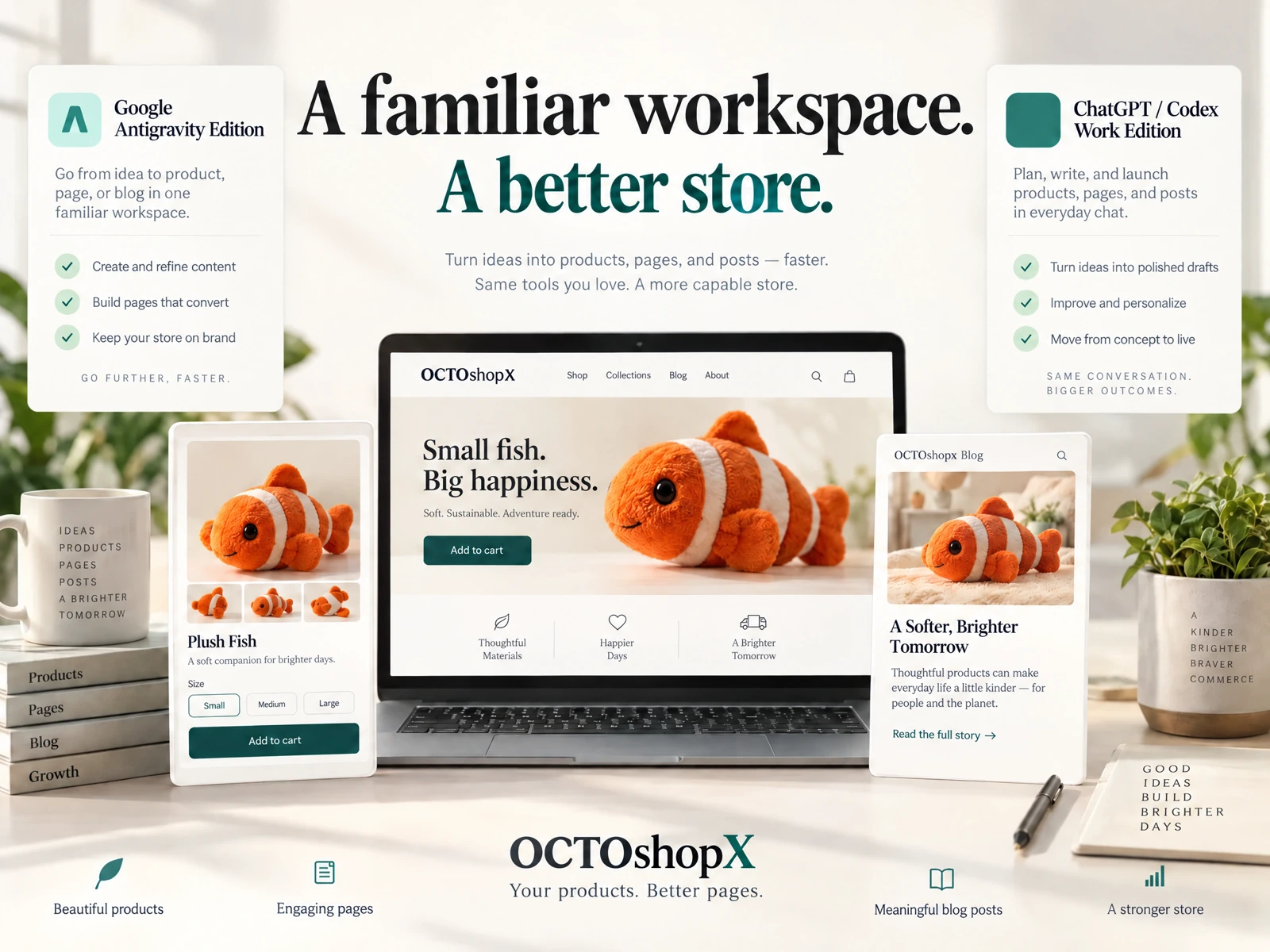
Install OCTOshopX. Give your store one clear job.
Use Gemini to accelerate drafting, then review carefully for facts, visuals and links. Build prompt templates, preview on devices and maintain an edit log. Install OCTOshopX.
A calm Shopify Product & Blog Studio: 5–10 useful visuals, connected articles and products, preview before publishing, and 1-Click Undo when needed.